by: Molly Kate
I've worked with churches for a few years.
Episcopal churches, specifically.
And I've been in the online and social space for 15 years.
Not casually.
Professionally.
Also?
I’ve been Episcopalian my whole life.
So I understand the church “language” you can’t fake.
The rhythm.
The tone.
The inside references.
And yes.
I know what you're thinking when you look at your social media accounts: "We need help, but we can barely afford our building maintenance."
I get it.
But here's the thing: hiring the wrong person for church social media management costs more than not hiring anyone at all.
You'll waste money. You'll confuse your congregation. And you'll miss the people who are actually looking for you online.
So before you post that job listing or shake hands with the local college kid who "knows Instagram," read this.
1. This Isn't Optional Anymore
Social media isn't a "nice to have."
It's how people find churches now.
When someone moves to a new neighborhood, they don't drive around looking for steeples. They Google "Episcopal church near me" or scroll Instagram to see what your Sunday mornings actually look like.
If you're not there? You're invisible.
A social media manager for churches isn't about being trendy. It's about being present where your community already is.
That matters.
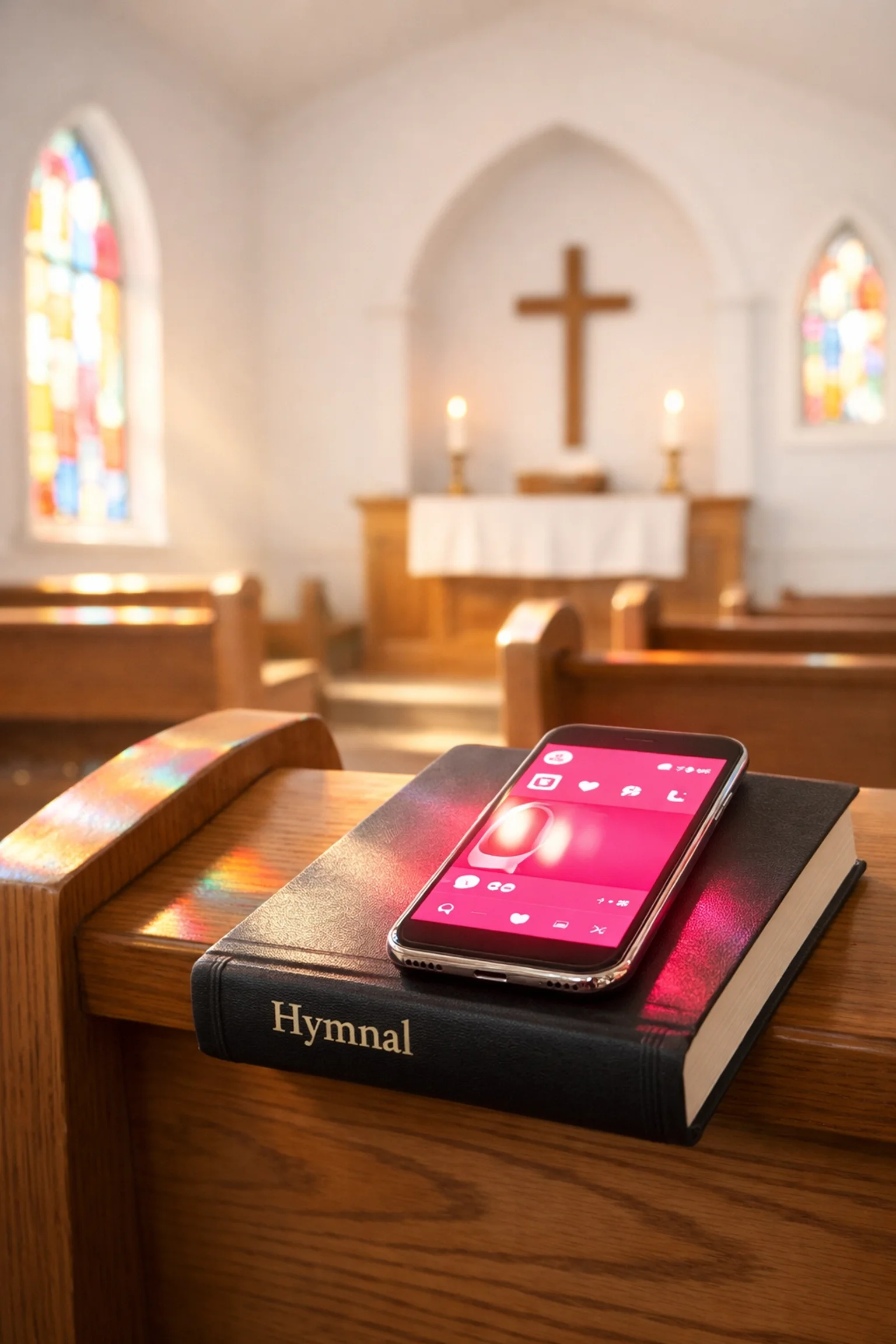
2. Find Someone Who Gets Your Values (Not Just Your Vibe)
Your church social media manager becomes the voice of your congregation online.
Every post. Every comment. Every reply.
They're representing your beliefs, your mission, your theology: often to people who have never walked through your doors.
So they can't just be good at Canva.
They need to understand what makes your church your church. Why you say "Eucharist" instead of "communion." Why you welcome questions instead of demanding certainty.
For Episcopal churches especially, finding someone who understands liturgical tradition AND modern communication is rare.
Because Episcopal isn’t one vibe.
It’s a whole spectrum.
High church.
Low church.
Anglo-Catholic.
More social justice oriented.
And those nuances matter for social media.
Because the wrong words don’t just feel “off.”
They signal to the wrong people.
Or confuse the right people.
But it's worth the search.
3. Look for Actual Faith, Not Just Social Media Skills
This one's uncomfortable to talk about, but I'm saying it anyway.
Your social media manager should actually care about Jesus.
Not in a performative, post-a-Bible-verse way. In a real, personal, wrestle-with-it way.
Because when someone comments with a crisis at 9 PM, or when a post unexpectedly goes viral in your community, you need someone who understands that this isn't just content: it's ministry.
Church communications on a budget means you can't afford to hire someone who treats this like any other marketing gig.
It's not.
4. Experience Matters More Than You Think
I know what you're thinking: "But hiring someone with experience costs more."
True.
But hiring someone without experience costs more in the long run.
Look for at least one to two years of professional communications or marketing experience. Not just "I post on my personal Instagram a lot."
Professional experience means they understand:
Analytics and what they actually mean
Crisis management when comments go sideways
Consistency across multiple platforms
Strategic planning beyond "post when we feel like it"
A church social media manager with real experience will save you money because they won't waste time figuring out basics on your dime.

5. They Need to Write Well (Really Well)
Social media is writing.
Every caption. Every graphic with text. Every event description.
Your social media manager needs excellent written communication skills: not just the ability to type quickly.
They should be able to:
Match your church's tone without copying/pasting bulletin announcements
Write clearly for people who've never attended church
Correct their own typos before posting
Craft messages that feel warm, not corporate
Bad writing makes your church look careless.
Good writing makes people want to visit.
6. Expect Flexibility (Because Social Media Never Sleeps)
Here's what most small churches don't realize: social media management for small churches can't happen during office hours alone.
Easter Sunday content goes up early morning.
Someone tags your church in a post Saturday night.
A community crisis happens, and people look to faith leaders for response.
Your social media manager needs to be mobile-savvy and comfortable with flexible hours. Not constantly glued to their phone, but aware that engagement happens in real-time.
If they're only willing to work 9-to-5, Monday through Thursday, this won't work.
7. Set a Real Budget (And Be Honest About It)
Before you hire anyone, sit down with your vestry or board and answer these questions:
What can we actually afford for salary?
Do we have budget for:
Paid advertising on Facebook/Instagram?
Tools like Canva Pro or scheduling platforms?
Equipment (a decent phone camera, ring light, microphone)?
If you're working with an outside contractor or agency, demand transparency. Where is the money going? Why?
Church communications on a budget requires honesty, not hope.
Don't promise a salary you can't sustain past six months. Don't expect professional results with zero investment.
Be realistic. Be clear.

8. Plan to Build a Team (Not Rely on One Person)
The biggest mistake small churches make? Expecting one person to do everything.
Photography. Videography. Graphic design. Copywriting. Analytics. Community management. Email newsletters.
That's not one job. That's five jobs.
Instead, hire or appoint a social media manager who can lead: someone who'll recruit and coordinate volunteers.
Photography team for Sunday services
Graphic designers from your congregation
Video volunteers for special events
Content creators who'll write testimonials
One strong leader building a volunteer team will always outperform one exhausted person trying to do it all.
9. Track What Actually Works (Not Just What Feels Good)
You need a church social media manager who lives in the data.
Not obsessively. But intentionally.
They should be able to tell you:
Which posts get the most engagement (and why)
What times your community is online
Whether your follower growth is stagnant or steady
If anyone's actually clicking your event links
Metrics aren't vanity. They're feedback.
If a post about your food pantry gets 10 times more engagement than your theology series, that's information. What you do with it matters.
A good manager tracks, tests, and adjusts.
A bad manager posts blindly and hopes for the best.
10. Match the Role to Your Actual Size
A church of 50 people has different needs than a church of 500.
Be clear about what you're actually hiring for:
Will they handle:
Photography or just schedule volunteer photographers?
Paid advertising or organic posts only?
Email communications or just social platforms?
Website updates or strictly social media?
The more responsibilities you add, the more you need to pay: or the more you need to accept that some things won't get done.
Small churches often have big dreams and small budgets.
That's okay.
Just make sure your job description matches your reality, not your wishlist.

What Happens Next
If you're a small Episcopal church struggling with social media, you're not alone.
Most of you are doing your best with volunteer-run communications that feel chaotic and inconsistent.
You're not failing. You're under-resourced.
Finding the right social media manager for churches: especially on a budget: takes time. But it's worth doing right.
Start by getting clear on what you actually need. Then find someone who can grow with you, not just for you.
And if you're still figuring it out, that's fine too.
Just don't rush it.
Your church's digital presence is too important to hand over to the first person who volunteers.